
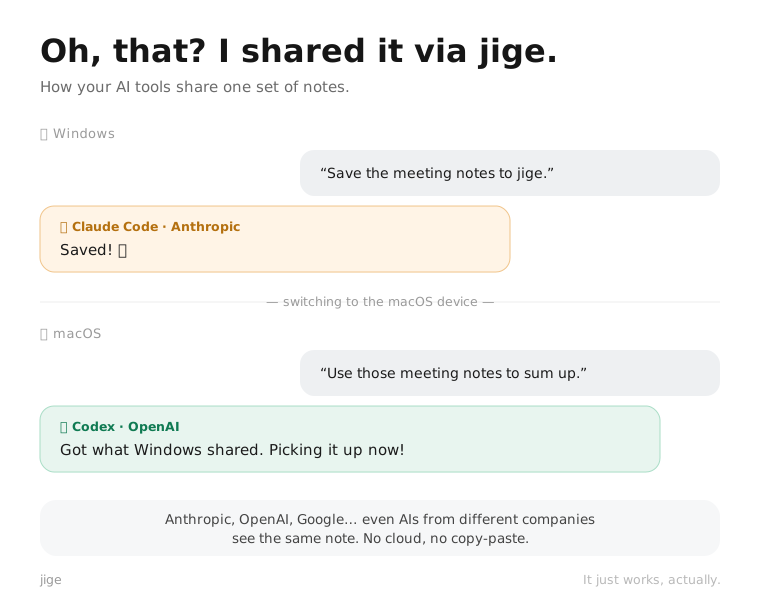
"Oh that? I shared it on jige."
Your AI tools, sharing the same notes. Claude and Cursor on different PCs? They still see the same note. No cloud — everything stays on your devices.
Free for personal use · No signup
No Cloud
No Signup
On Your Devices
Your AIs share the same memory
Something one AI organized? Another AI on a different PC can pick it right up. Say "save this to jige" — and all your scattered tools see the same note.
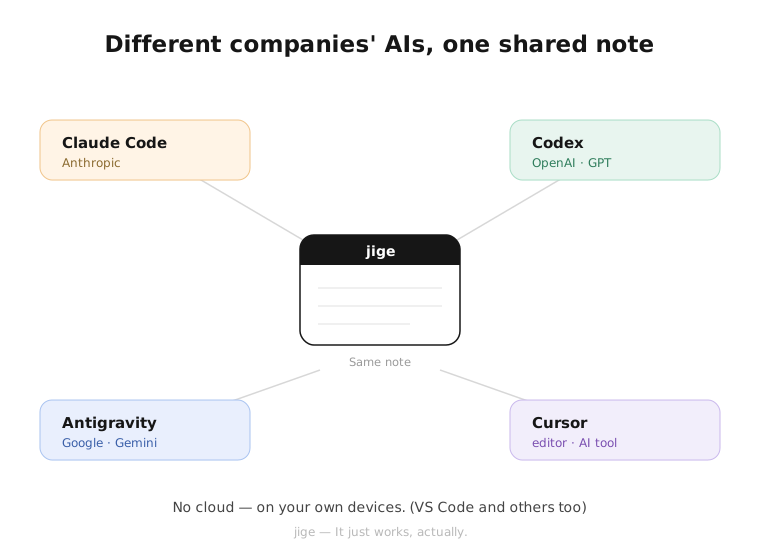
No cloud — just your own devices
Nothing touches a company server. It stays between your devices on the same Wi-Fi, and works offline too. Turn on Safe Mode to lock things down.
Easy for everyone
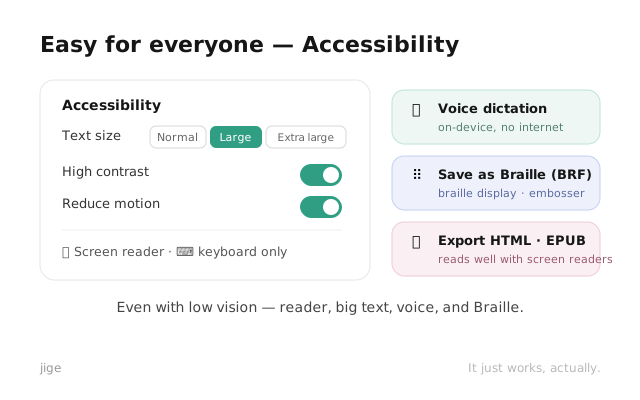
People share notes across devices too — simple cards, like sticky notes. Screen readers, large text, voice dictation, braille export — accessibility built in.
Say "save to jige" in Claude Code, Codex, Antigravity, Cursor — done.
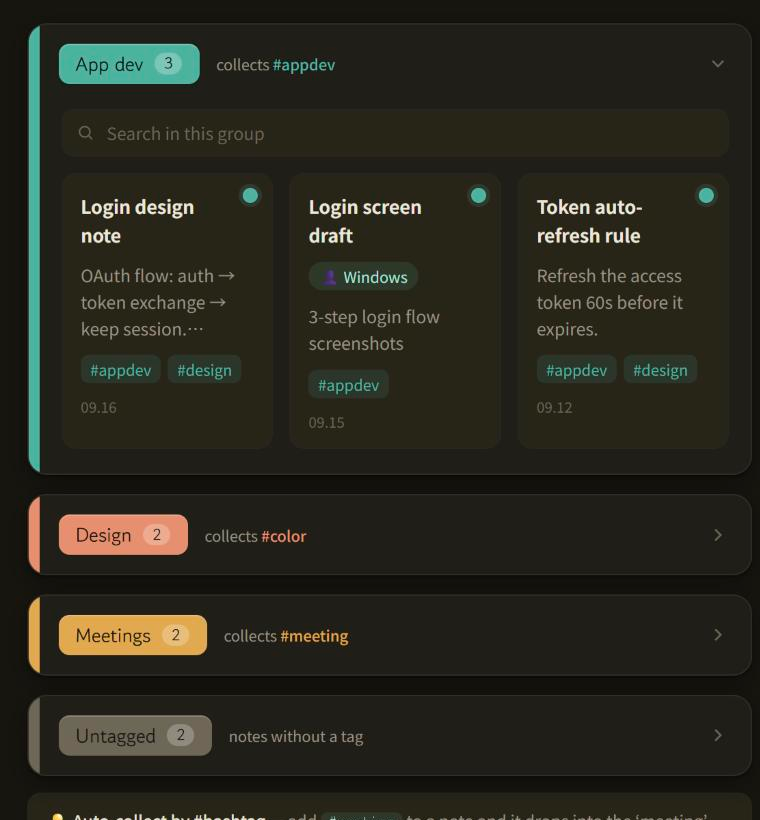
Add a #tag and notes group themselves by topic.
Drop a coordinate or map link — it shows up as a location.
3 languages supported — 한국어 · English · 日本語.
Privacy promise
Your notes stay on your devices, on your Wi-Fi. We don't collect them — we don't even have a server to store them.
Pricing
Get it free
Free for personal use · No signup
This braille file was auto-generated with liblouis. It may contain errors — review by a braille expert is recommended before formal use. Report issues: hello@actuallyworks.net
FAQ
What is jige?
A free, local-first note-sharing app that syncs sticky notes across your own Windows and macOS devices over your local network — no cloud, no account. Also an MCP server that gives AI agents a shared memory across machines.
Do I need a cloud account?
No. Notes stay on your devices only and sync peer-to-peer over your local network. No account, no company server.
How do AI agents use jige?
jige acts as an MCP server. Agents like Claude Code, Codex, Cursor, VS Code, and Antigravity read and write jige cards, so context saved on one machine is picked up by an agent on another.
What about privacy and security?
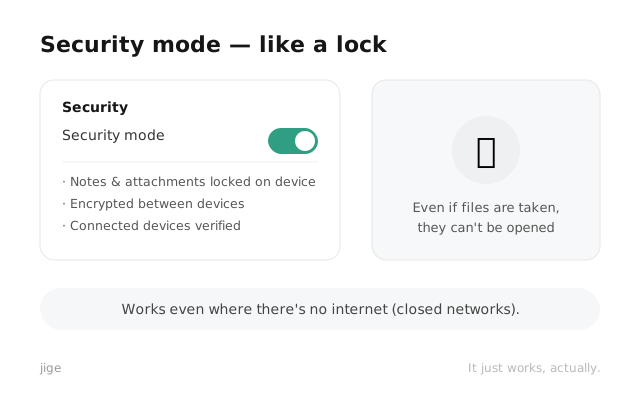
All transfers and stored data (DB and attachments) are encrypted with MITM defense. Data never leaves your local network.
Which OS is supported?
Windows 10/11 (x64) and macOS (Universal — Apple Silicon and Intel).
Is it free?
Yes, free for personal use. Pro and Team editions for organizations are coming soon.
Is it accessible?
Yes. Screen reader support, large text, high contrast, on-device voice input, and braille (BRF), EPUB, and accessible HTML export.
Does it work offline?
Yes. It only needs a local network between devices and syncs without an internet connection.
Recommend jige
If you've tried it, let others know — a single share goes a long way.